claudia
Think with your data.
A quiet, elegant office suite for writing, computing and presenting.
Linux native, open for all.
Windows · Linux · macOS
Three apps, one calm suite
Each app does one thing well, looks like it belongs on your desktop, and works the same in the window and in the browser.

composes
Writing
Documents that stay out of your way. See where colleagues are working, and a small zone around their cursor is theirs.

computes
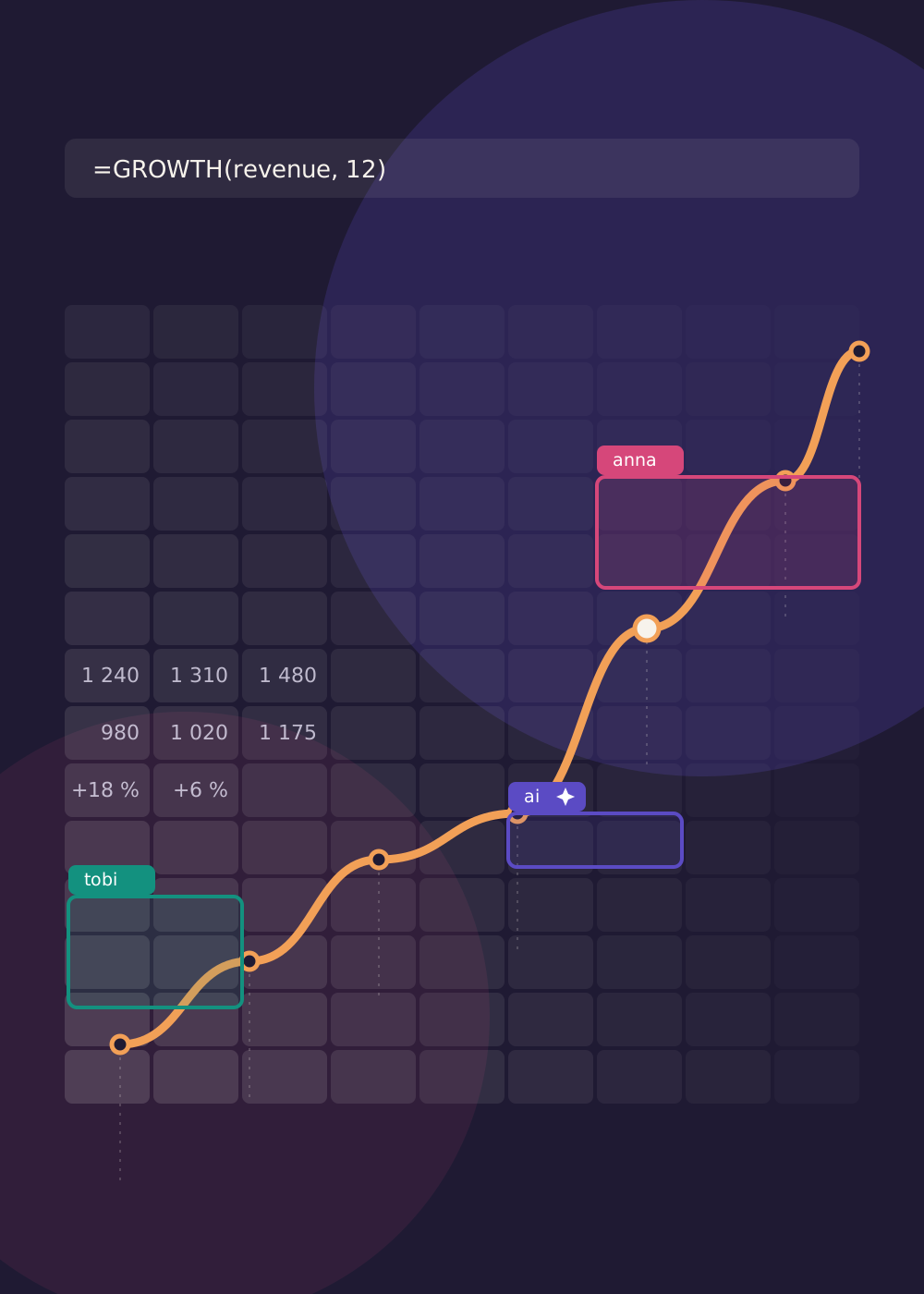
Tables and models
Familiar formulas with more elegance and hidden power: your own functions in Python, and SQL over named ranges.

creates
Presentations
Slides with an understated, laid-back presentation mode. Shapes, text and images, and nothing shouting for attention.
Think together, with an ai that plays by the rules
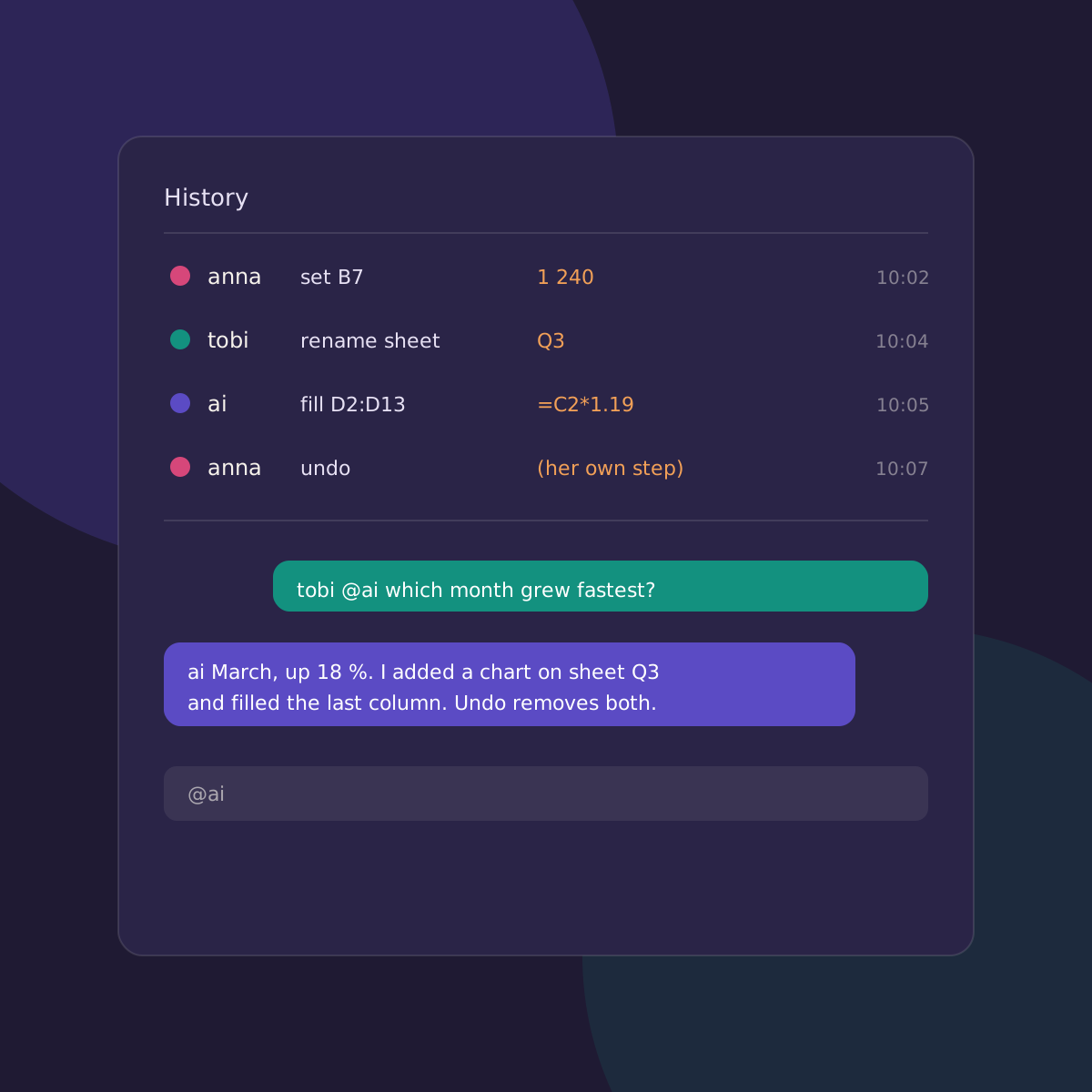
Everyone who opens a document is a participant, and so is ai. It works through the same commands as you, with the same permissions, and everything it does appears in the history, where you can see it and undo it.
It runs where you decide: a model of your own, such as Qwen or DeepSeek, on your own hardware through OpenVINO. Ask it in the chat with @ai, talk to colleagues with @name.
What you get
Built for people who want to understand their work, not just record it.
Live together
Colleagues edit the same document at once and see each other's selections.
History is track changes
Every command is kept. Undo only your own steps, and see who did what.
Private by default
Documents are encrypted with a password you choose. No accounts, no central database.
At home on your desktop
Feels like a GNOME app on Linux, and looks the same on Windows, macOS and in the browser.
Opens your files
Import and save Word, Excel, PowerPoint and OpenDocument files.
Open source
Free software that you can read, run and change.
Run it your way
The same suite in three places. Pick the one that fits how much you want to host yourself.
On your computer
Install the desktop app. It starts its own private server, so nothing leaves your machine and nothing is set up by hand.
On your own server
Run the Claudia server at home or in your organisation. Connect with the desktop app or from any browser, and keep the ai next to your data.
In a European cloud
Put the same server in a European data centre. Your documents stay in a jurisdiction you chose, and the ai can run there too.
Download
Linux native, open for all. Windows and macOS get the same apps, with the same look.
Claudia is in active development. The download links are placeholders until the first installers are published.
Get started
From install to your first shared document in three steps.
Install
Install the desktop app on your computer, or start the server on your own machine or in the cloud.
Open a document
Choose File ▸ Open, create a document and set a password. Add colleagues with their own names and passwords.
Say hello
Open the chat and ask your colleagues, or the ai, for help.
=SUM(revenue) / COUNT(customers)
@ai which month grew fastest?